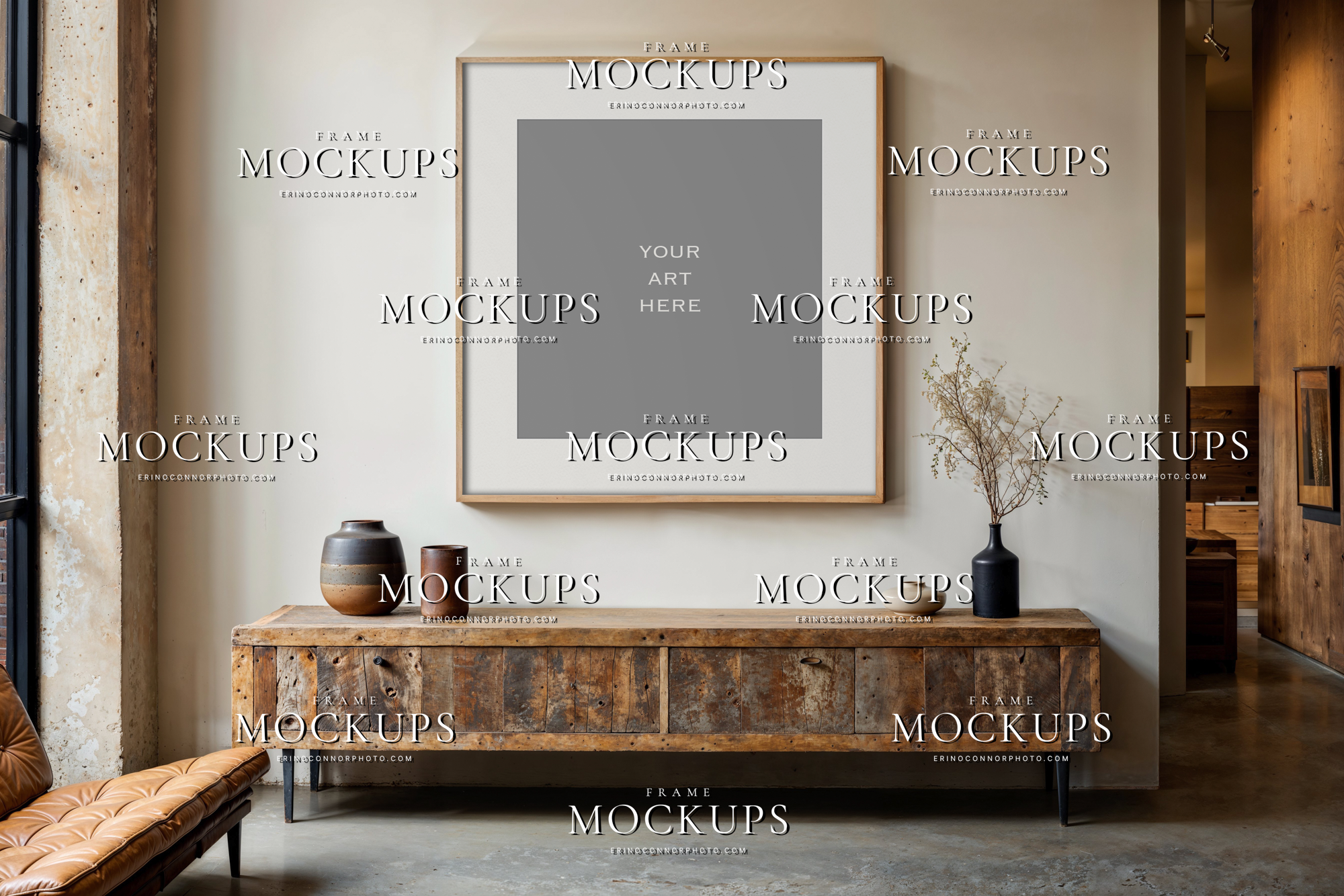
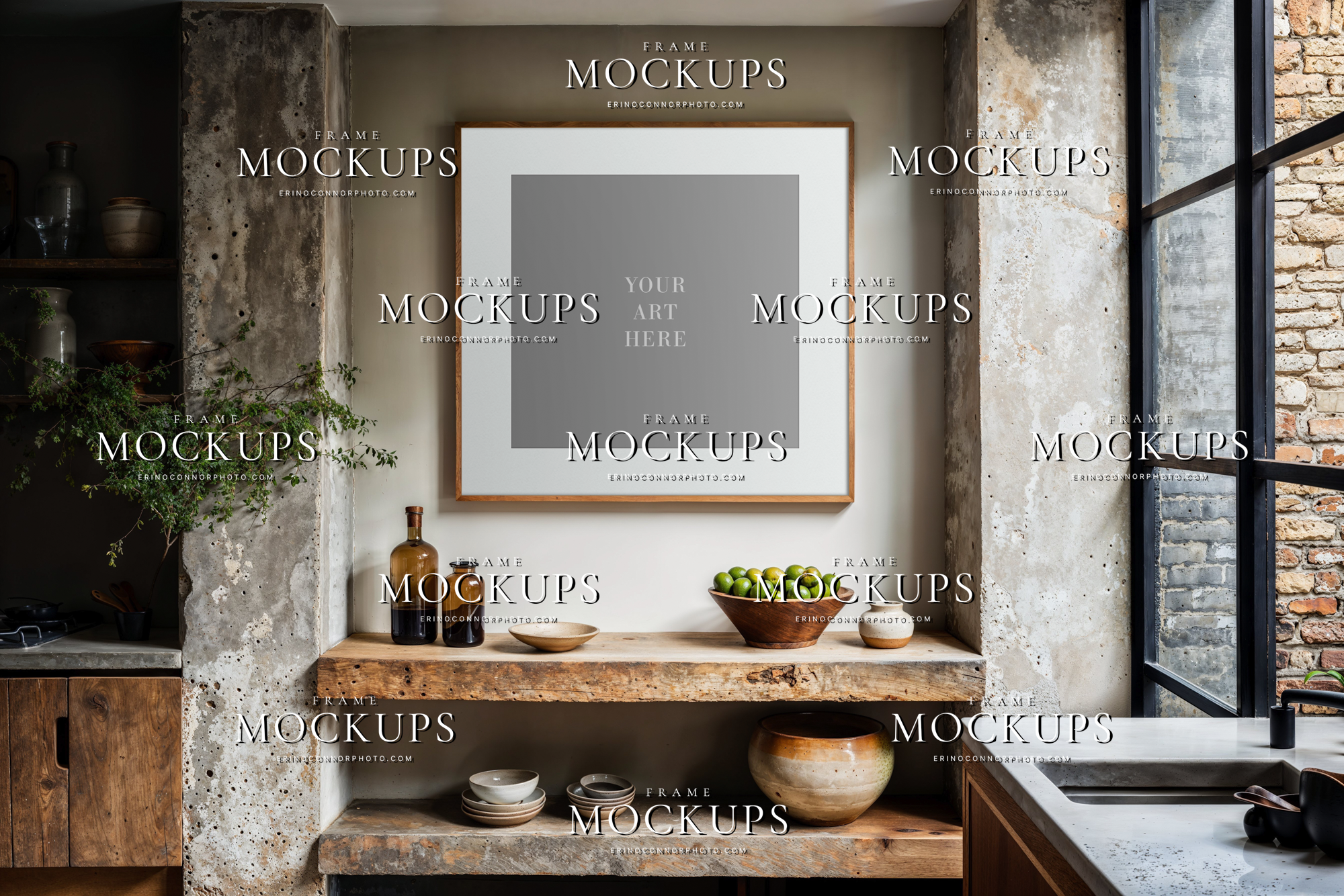
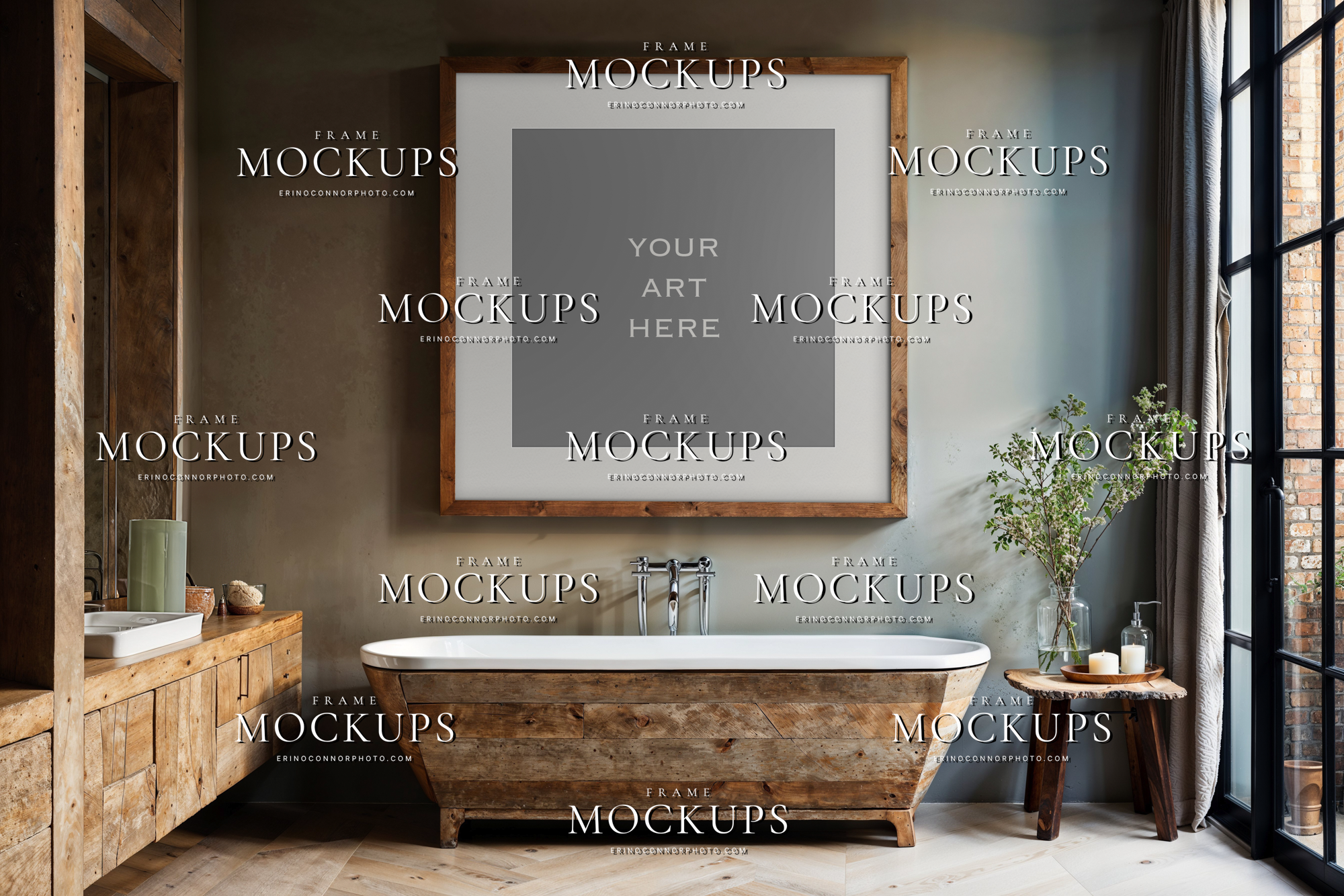
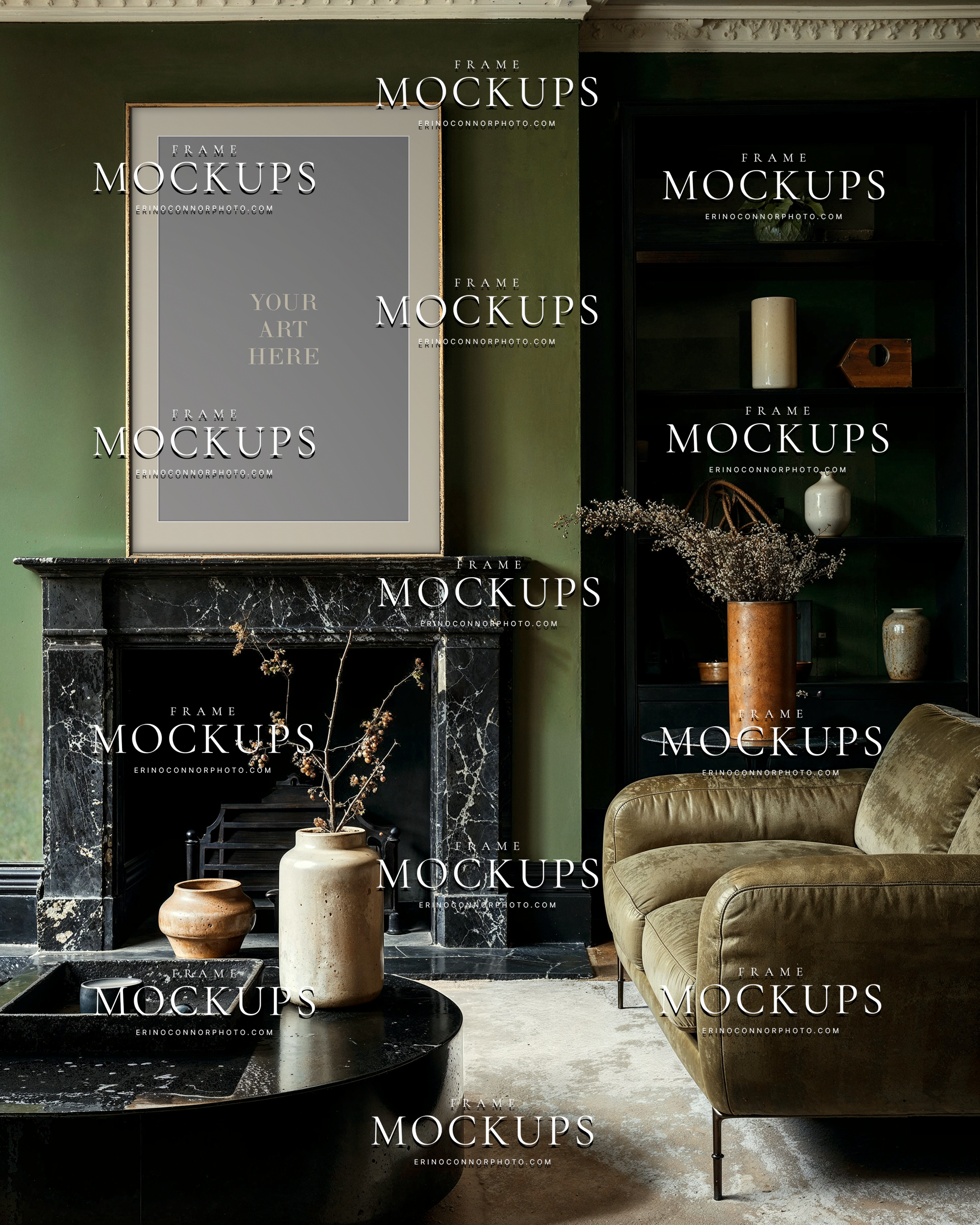
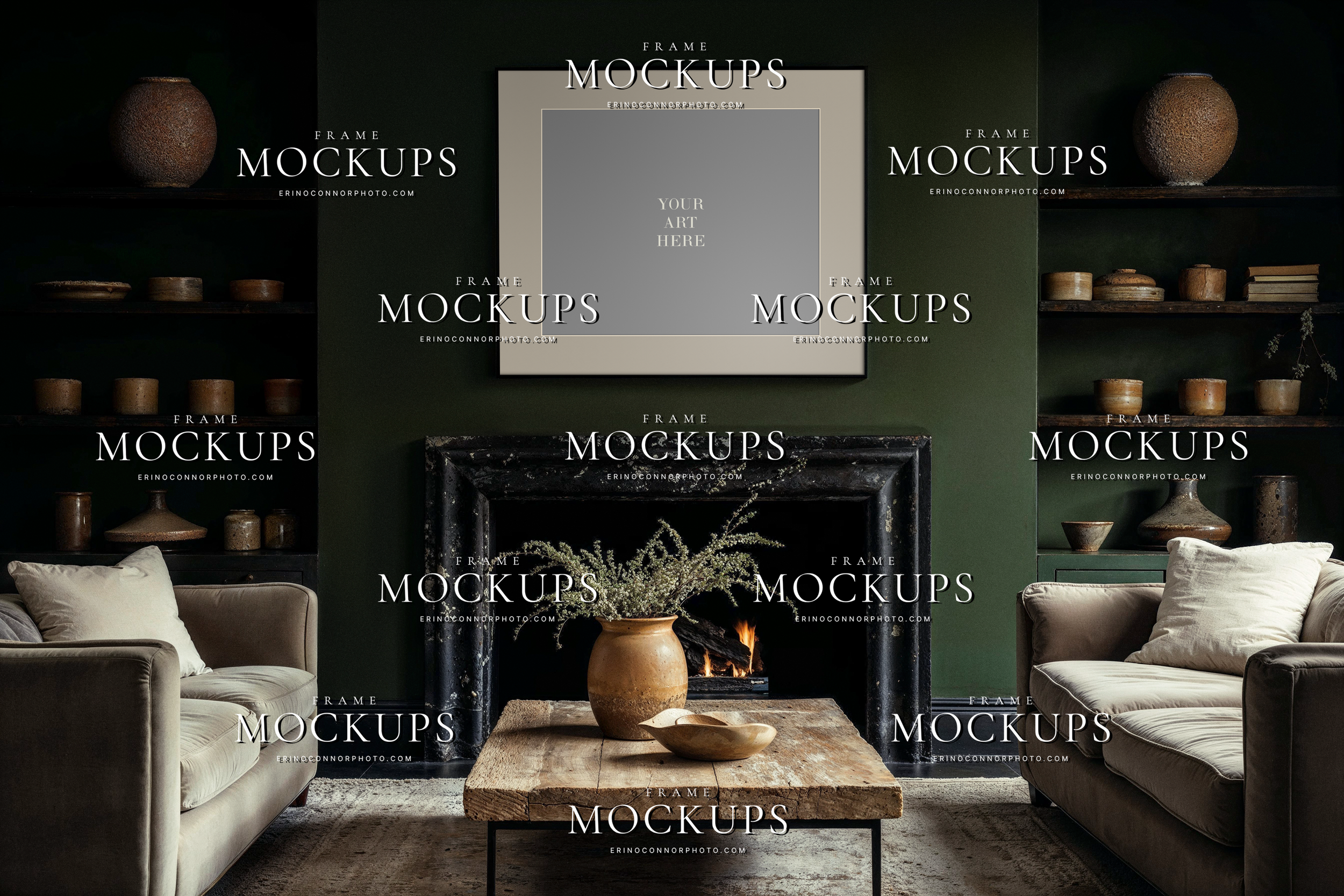
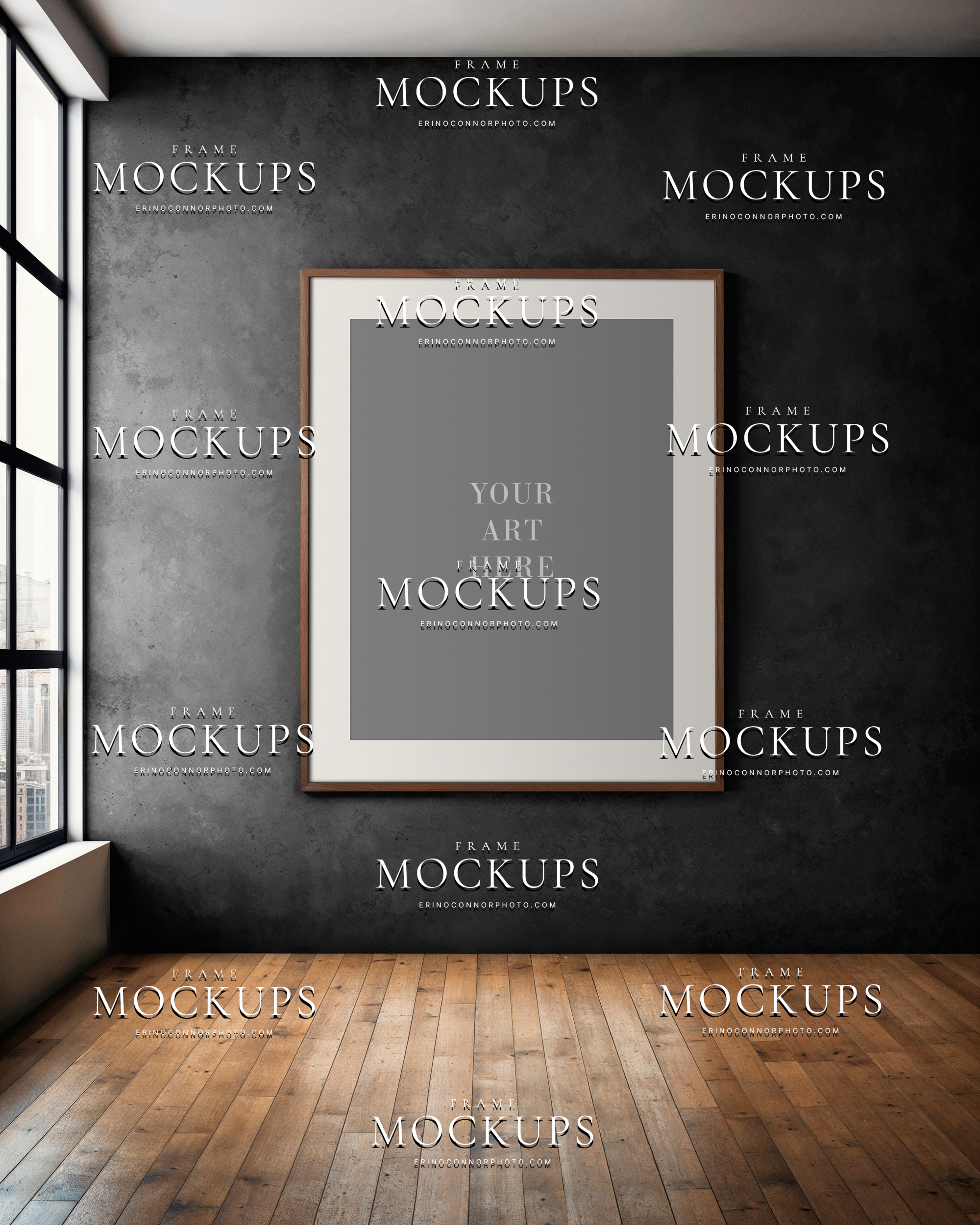
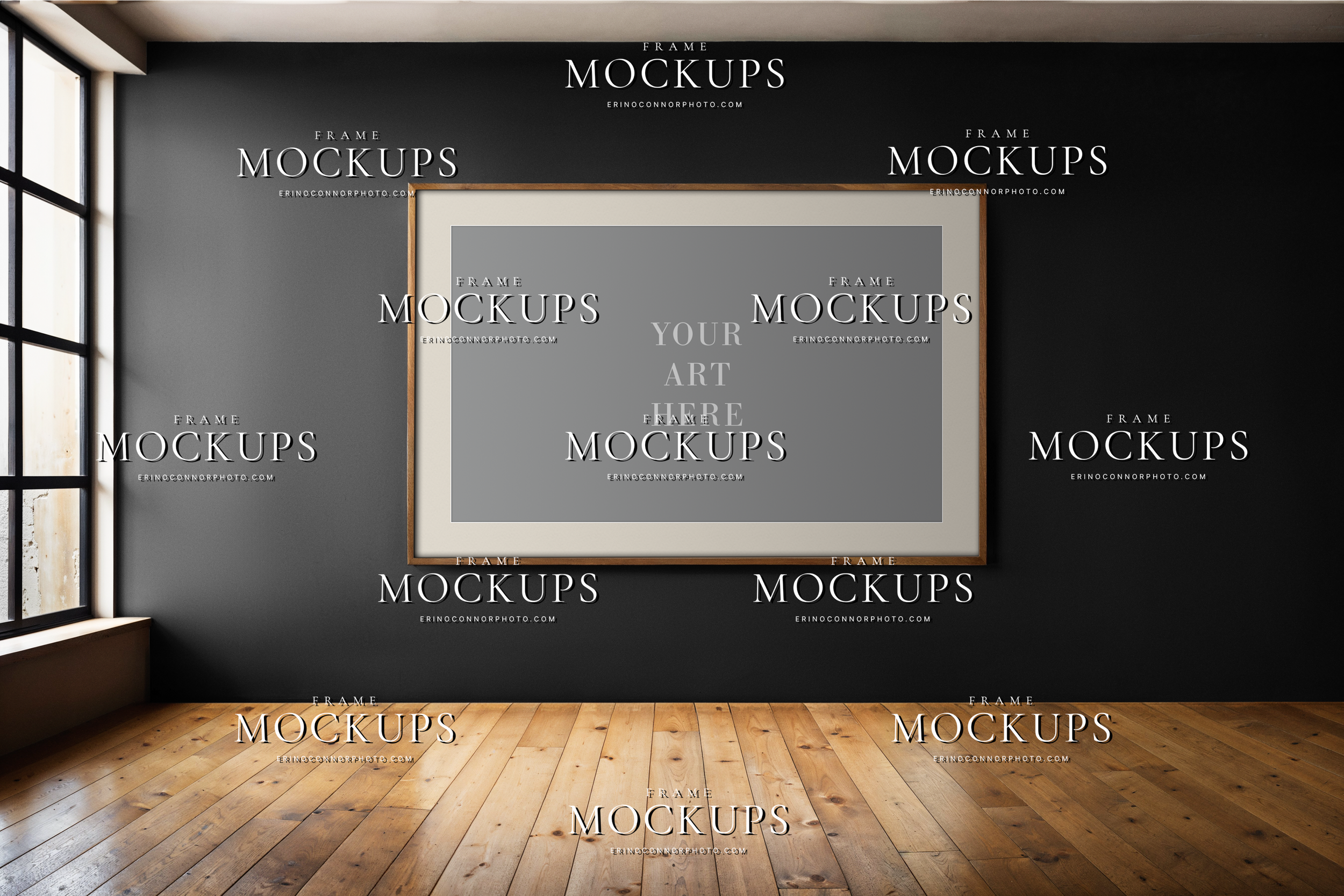
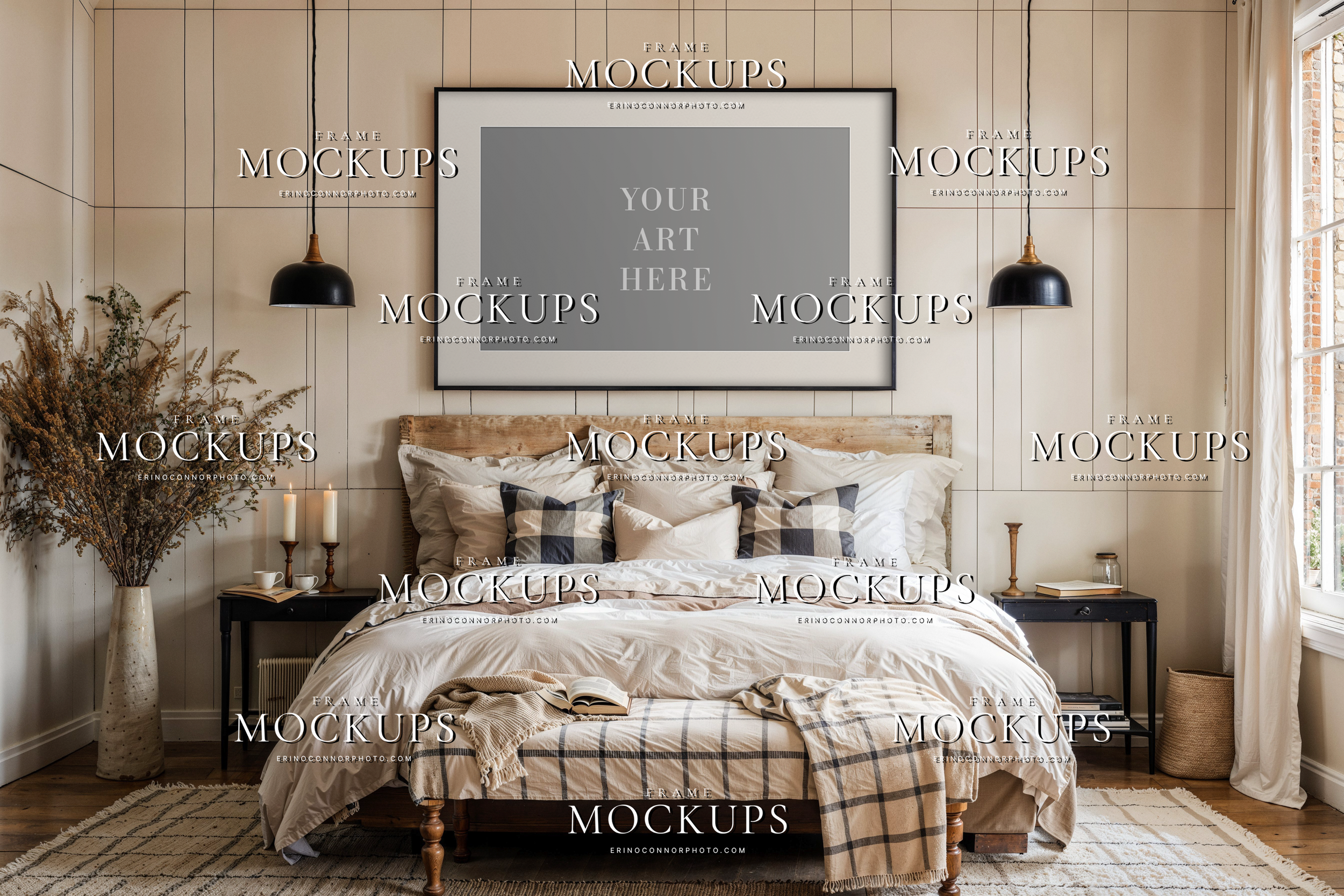
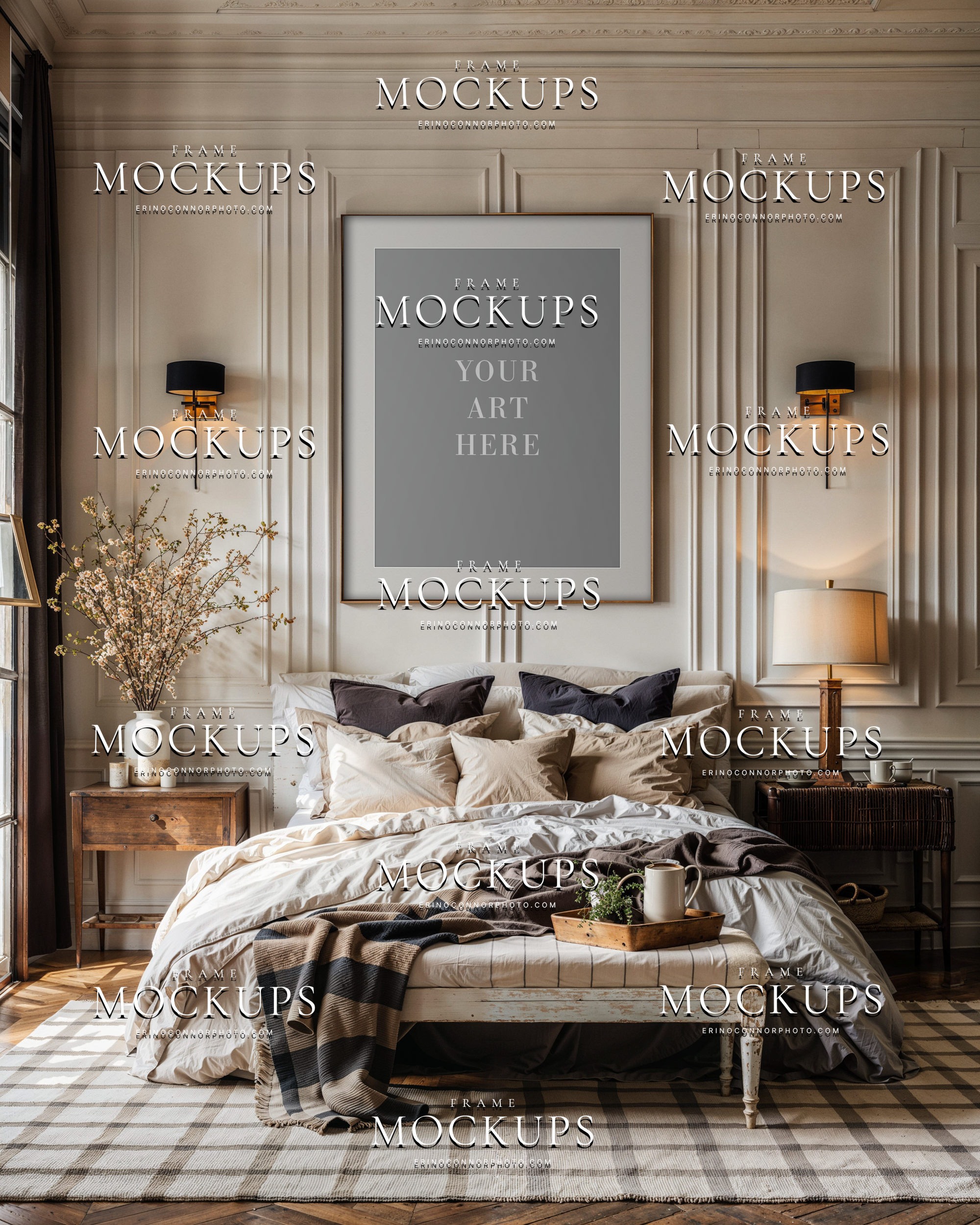
 Image 1 of 5
 Image 2 of 5
 Image 3 of 5
 Image 4 of 5
 Image 5 of 5
Product Details & Guide
-
Files & Dimensions
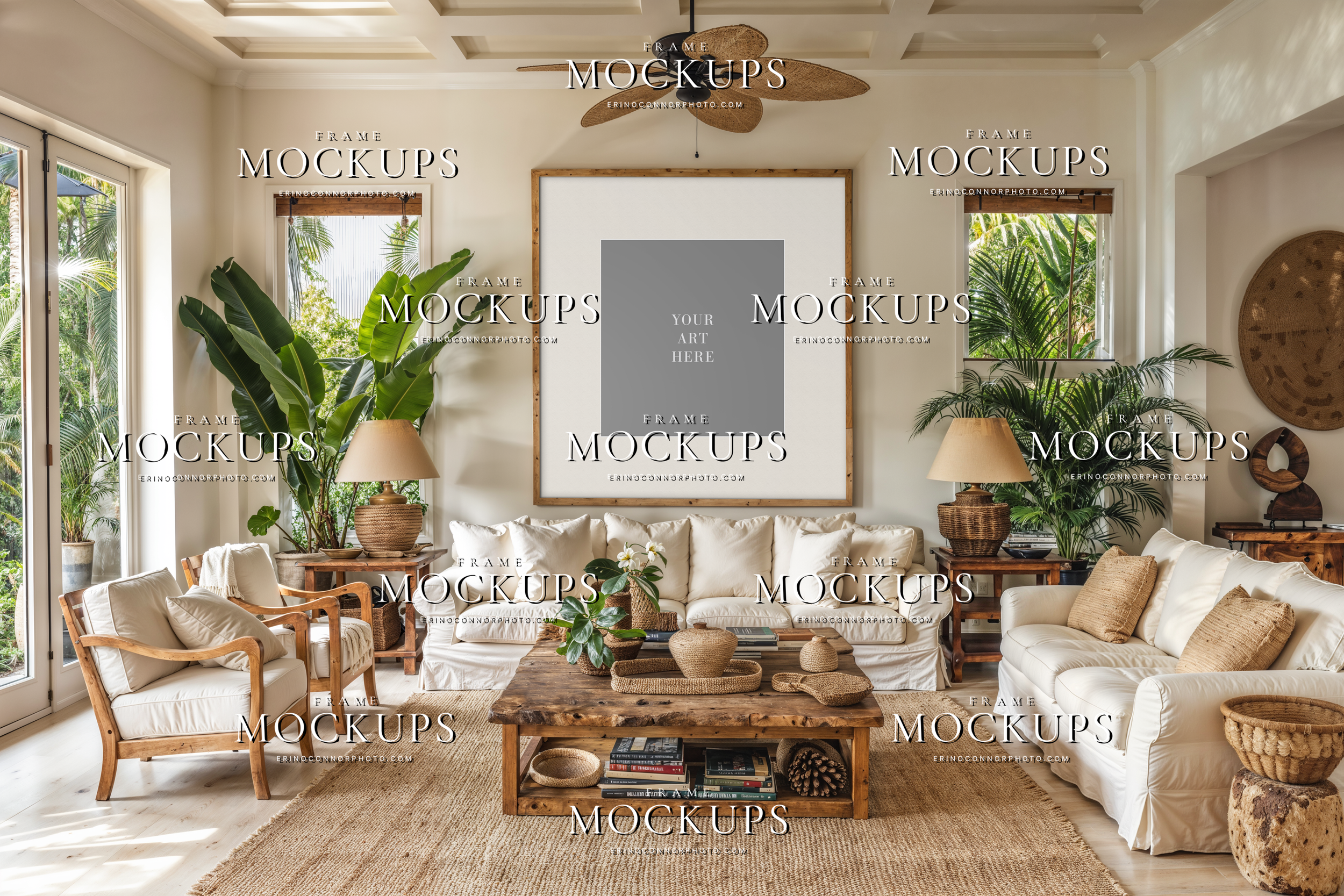
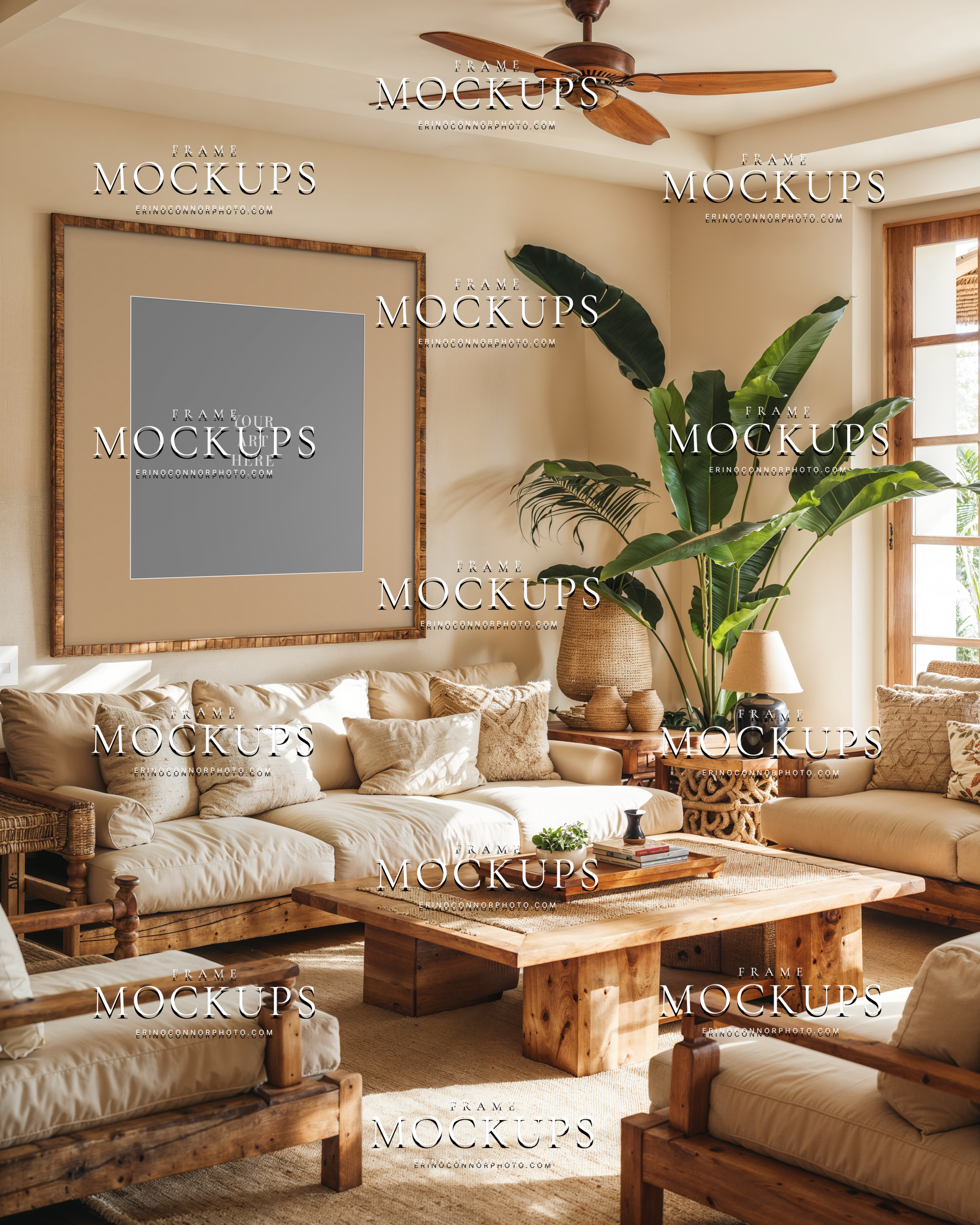
•3 high resolution layered PSD files
•4000 × 4000 pixel room, horizontal frame
•4000 × 4000 pixel room, vertical frame
•4000 × 4000 pixel room, square frameFrame openings vary by mockup and are designed for realistic proportions within each scene. Some align closely with common aspect ratios, while others are intentionally non-standard.
Features
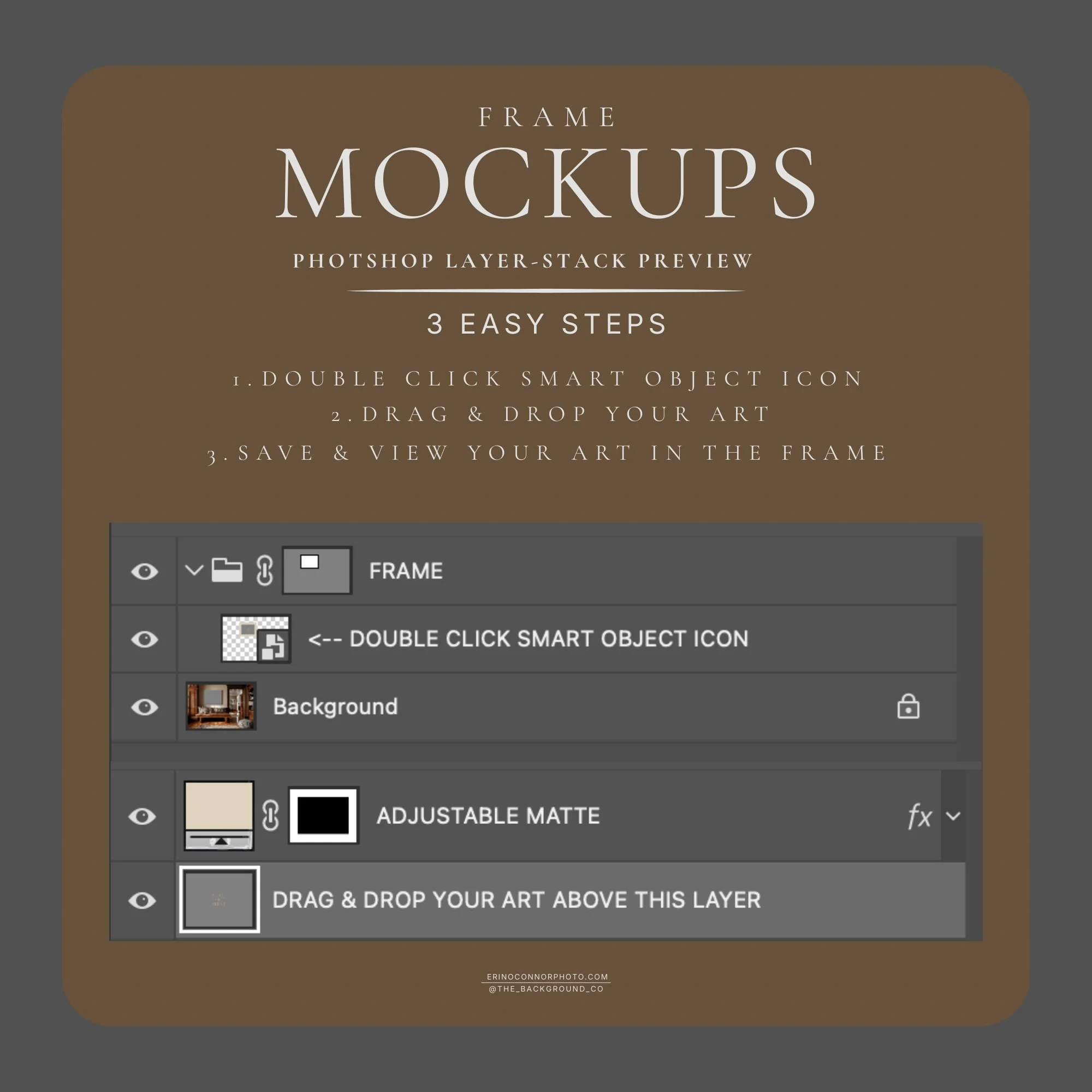
• Smart object for easy artwork placement
• Adjustable matte size and color, removable mattes
• Realistic overlay effects including natural shadows, light falloff, and matte detail
• Subtle glass reflections included where featuredOutput & Delivery
• Optimized for web and print presentation
• Instant digital download -
Designed for photographers and artists presenting finished work to clients and buyers.
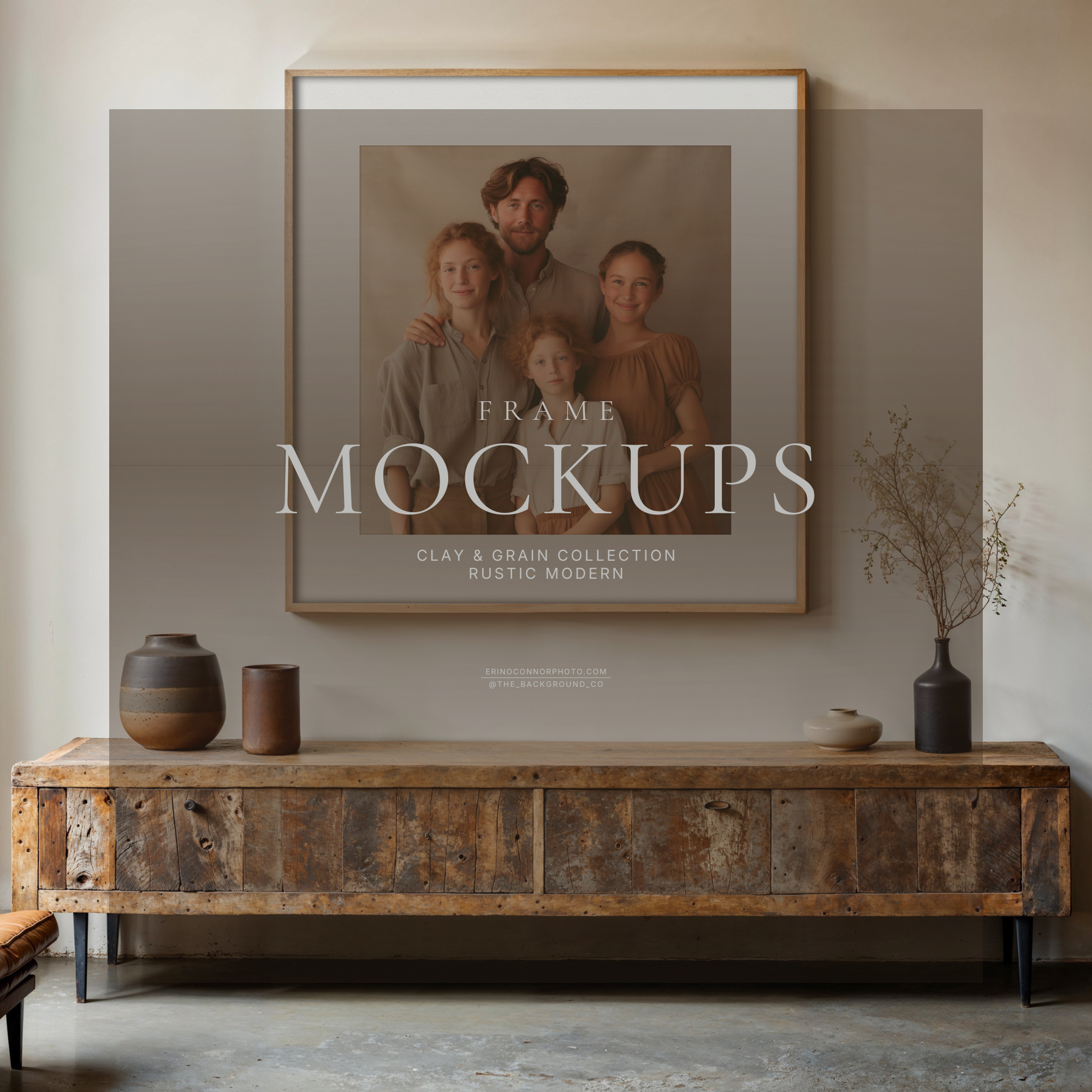
• Wall art and framed print sales
• Client previews and proofing
• Portfolio and website display
• Social media content marketing -
Open the frame mockup in Photoshop or Photopea and locate the smart object layer labeled “double click smart object icon.” Insert your artwork, save, and return to the main file to see your image placed naturally within the frame.
Adjust the matte size and color as needed. All shadows, lighting, and reflections are pre-built to create a realistic framed artwork presentation.
Artwork can be scaled and adjusted within the smart object to fit a range of aspect ratios, including non-standard frame openings. The included matte can also be adjusted in size and color to refine the final presentation.
For a step by step tutorial on using this PSD frame mockup and preparing artwork for client previews, watch here.
-
This is a digital product. No physical item will be shipped.
Use is permitted for personal and client work, including commercial use for photographers and artists, including paid advertising, for a single user or small team of up to five.
Redistribution, resale, or sharing of the original files is not permitted.
Download access will be provided after purchase. Watermarks are removed in the final files. Please download and store your files promptly after delivery.
Photoshop or Photopea is required to edit layered PSD files.
All sales are final. No refunds, returns, exchanges, or cancellations are accepted for instant downloads.
To make the most of your tools and talent be sure to check out our blog www.erinoconnorphoto.com/news for post production tips and tricks.
*Download link for this digital product will be sent to your email upon payment confirmation. Please note that the link expires 24 hours after purchase.